Connect to the presentation server to set up outlook mail.
Before connecting in the Presentation Server, create a ticket to support one to start the presentation server.
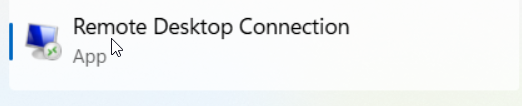
One you get a confirmation that it is running, In your local computer's search bar, look for Remote Desktop Connection and Open the Application

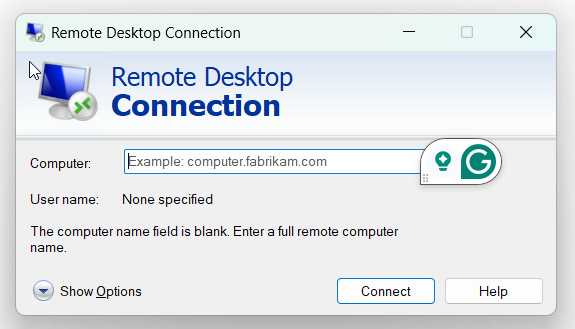
It will ask for a Computer Adress ( SupportOne Team will provide the Computer Adress and User Name)
Credentials would like this
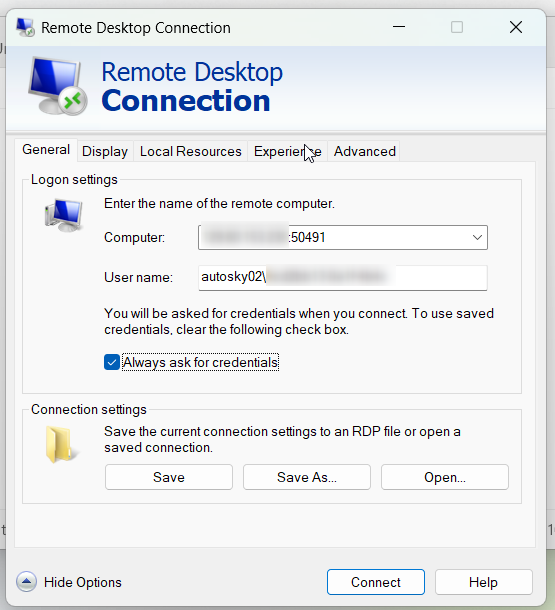
Press Connect and Provide the user's SkyOne password
If the credentials are correct, you will be able to access the presentation server
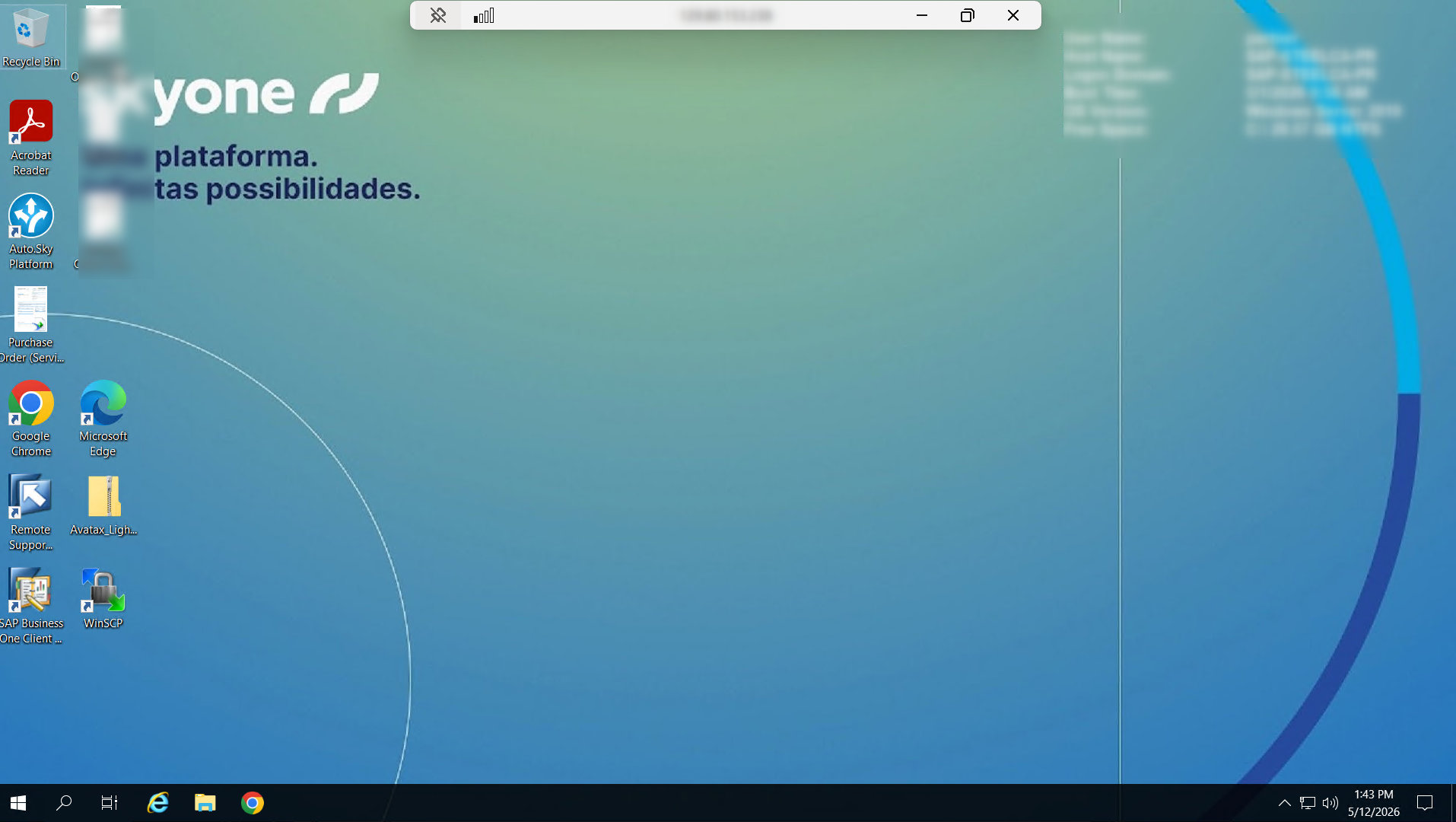
Look for outlook application, and log in using the user's Microsoft credentials.
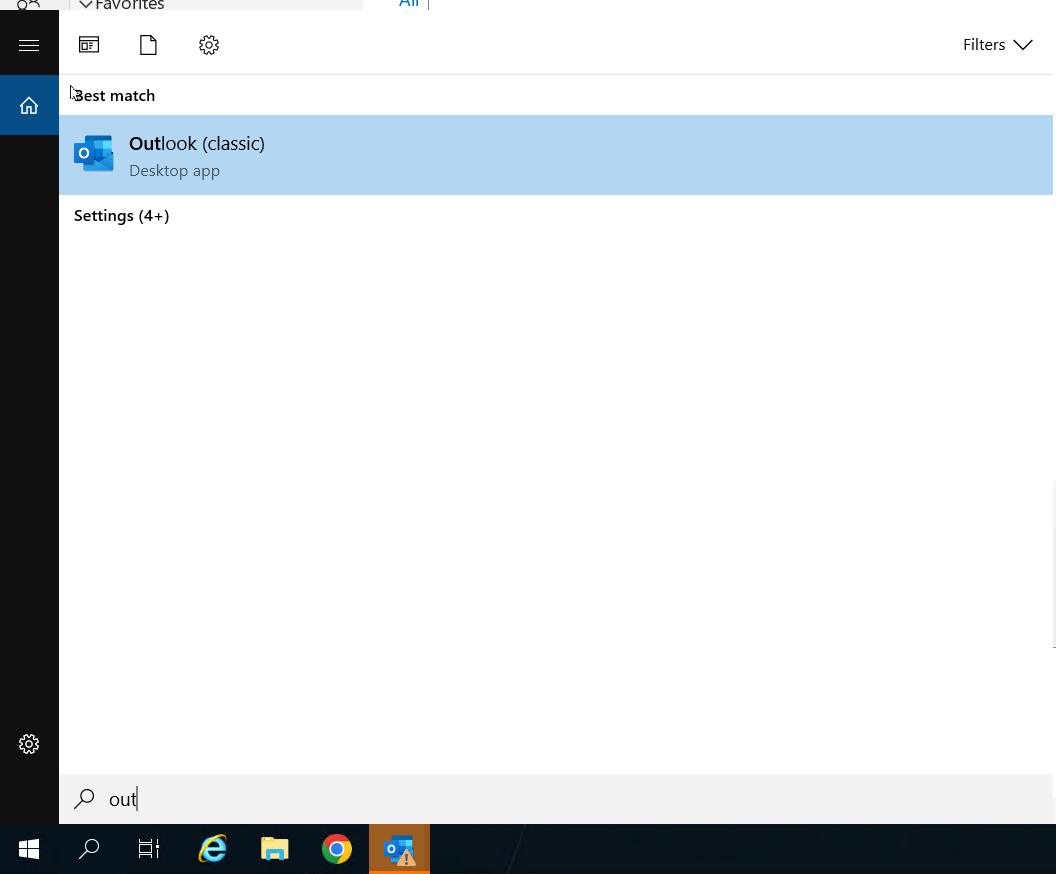
Once you log in successfully, you can close the server and inform SupportOne Team so a new image can be published saving the user's outlook credentials.
Was this article helpful?
That’s Great!
Thank you for your feedback
Sorry! We couldn't be helpful
Thank you for your feedback
Feedback sent
We appreciate your effort and will try to fix the article